
Download Headphones Equalizer – Audio Enhancement, Bass Boost, Music Player
Overview
Headphones Equalizer is a free mobile application developed by AudioTools Inc. designed to improve the audio output of headphones across various devices. The software enables users to fine-tune sound quality by adjusting frequency levels through an intuitive interface, allowing for personalized listening experiences. It is particularly useful for enhancing the clarity, depth, and balance of audio on standard or third-party headphones, including earbuds. The app addresses common audio limitations such as muffled bass, weak treble, or uneven frequency distribution, making it suitable for music enthusiasts, casual listeners, and professionals who rely on accurate audio reproduction.
Real-world use cases include optimizing sound for genres like hip-hop, electronic, or classical music, calibrating headphones for podcast consumption, or improving voice clarity during calls. The app supports both Android and iOS platforms, making it accessible to a wide audience. It is designed for users who want to maximize their audio experience without upgrading hardware. The developer did not provide additional details about the company’s background beyond the name.
Key Features & Capabilities
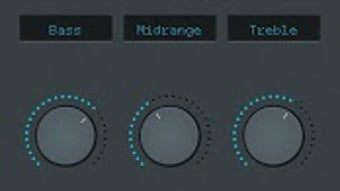
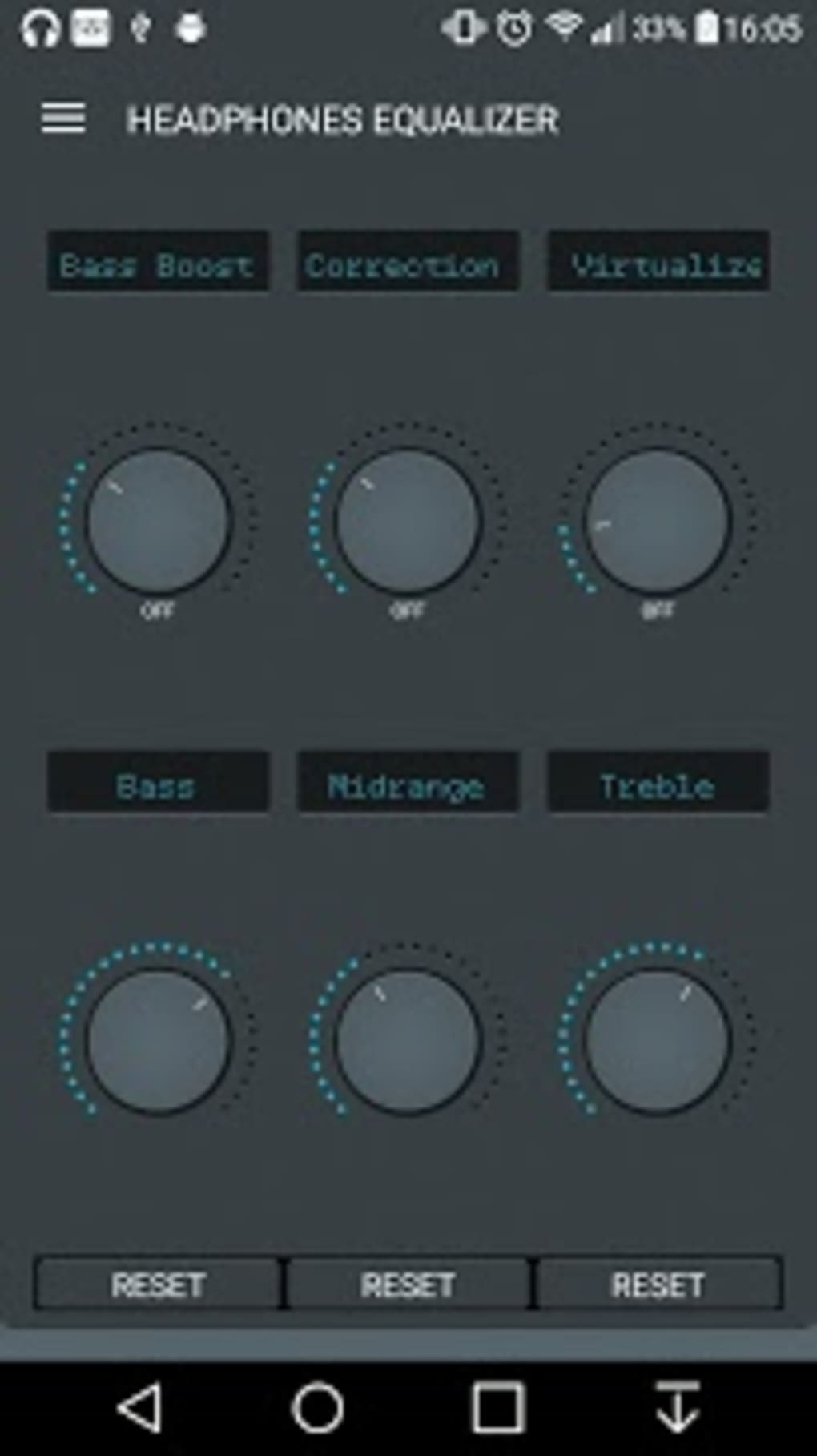
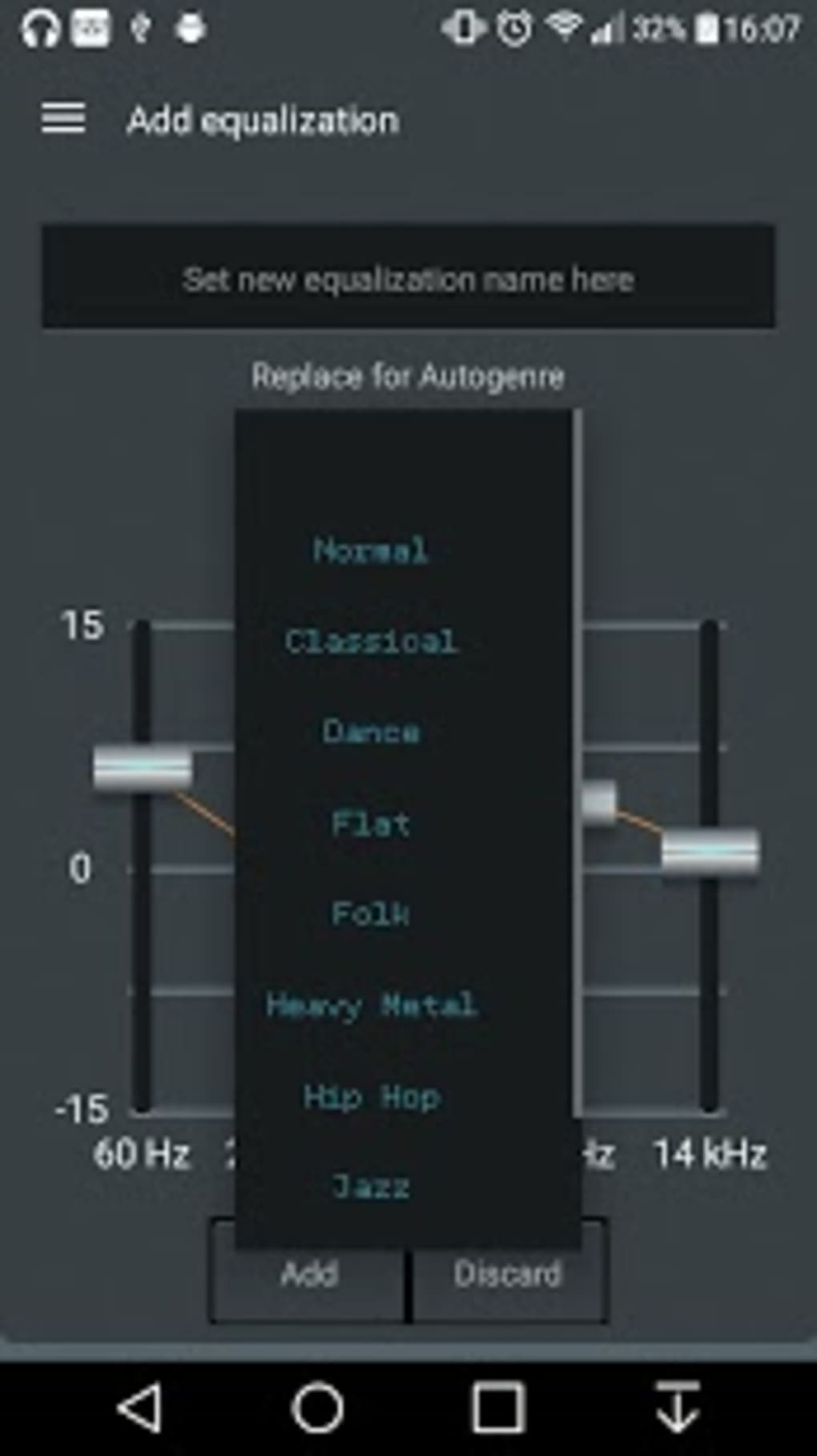
- Frequency Adjustment Interface: A vertical slider system allows users to manually adjust frequency bands, enabling precise control over audio output. This feature helps users tailor sound profiles to personal preferences or specific listening environments.
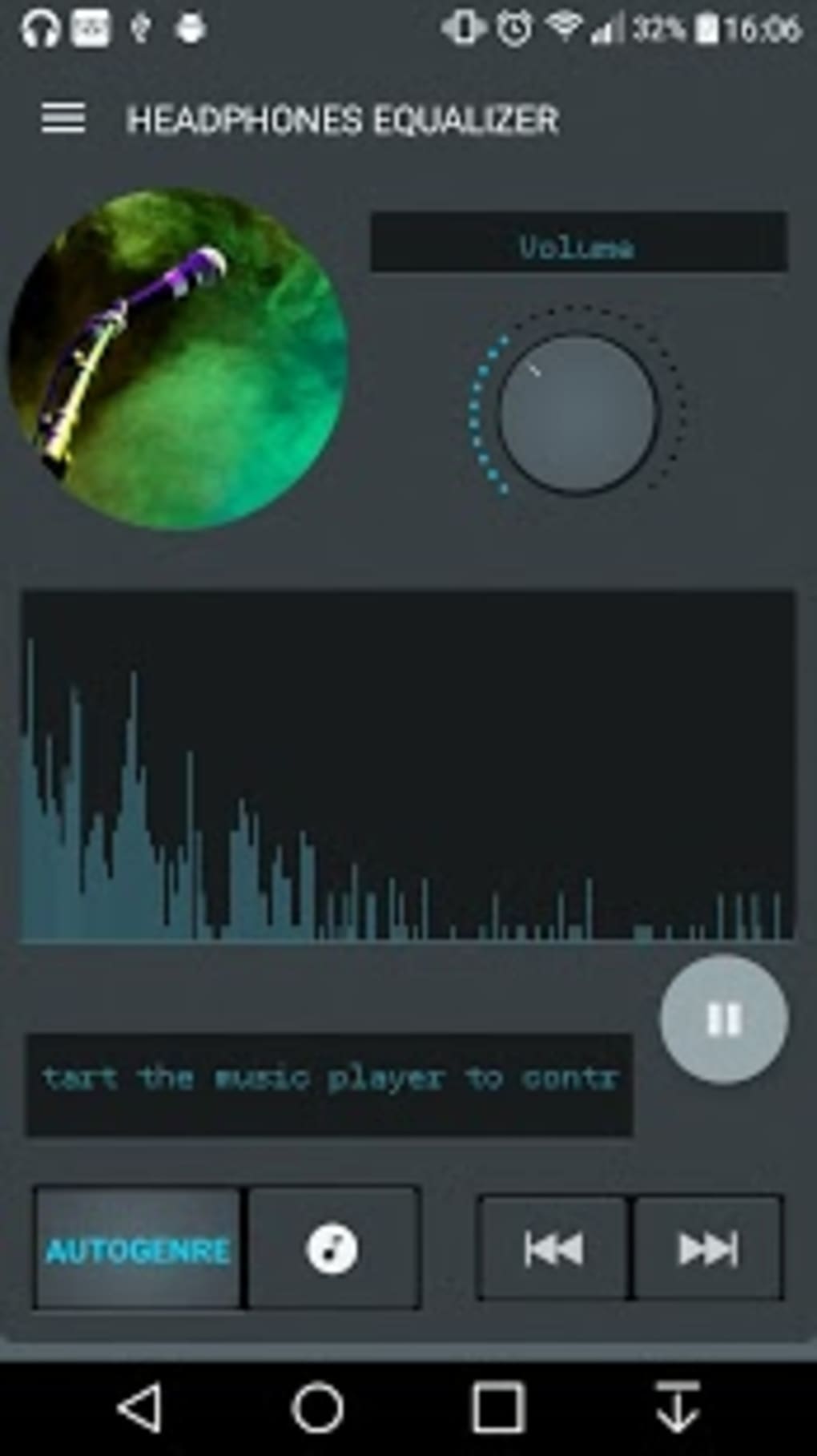
- Automatic Output Optimization: The app includes a built-in function that analyzes and adjusts headphone output to optimal levels, reducing manual calibration efforts and improving overall sound balance.
- Integrated Music Player: Headphones Equalizer features a built-in music player, allowing users to play audio directly within the app without switching to external applications. This streamlines the audio adjustment workflow.
- Bass Boost Feature: A dedicated enhancement tool increases low-frequency output, ideal for genres such as hip-hop, EDM, and rock, where deep bass is a key component.
- Premium Customization Options: Upgraded users gain access to genre-specific equalization presets, the ability to save custom profiles for individual headphones, and system restore points to recover settings after unexpected crashes.
These capabilities allow users to enhance audio performance across different scenarios, from casual listening to detailed audio evaluation. The app is especially beneficial for users seeking improved sound quality without investing in new headphones.
User Interface, Workflow & Performance
The user interface of Headphones Equalizer follows a familiar mobile layout, with vertical frequency bars displayed prominently for easy visualization of audio adjustments. Navigation is straightforward, relying on touch-based swiping to modify settings. The workflow is designed to be efficient, allowing users to adjust sound profiles in real time while playing audio through the integrated player.
Performance details were not specified by the developer. However, based on the app’s lightweight nature—requiring only 10 MB of storage—it is expected to operate smoothly on most modern smartphones. The developer did not provide information on CPU or RAM usage, nor did they detail stability under prolonged use. General software behavior suggests that the app maintains responsiveness during typical audio playback sessions, though real-world performance may vary depending on device capabilities.
Compatibility & System Requirements
Headphones Equalizer is compatible with Android and iOS operating systems. The app was released on 2024-03-15 and requires only 10 MB of storage space for installation. The developer did not specify exact system requirements, including minimum OS versions or hardware specifications. Compatibility information was partially provided, and users should verify device support through official app stores.
Exact system requirements were not listed. It is recommended to install the app via official channels to ensure compatibility and security. No additional dependencies were mentioned.
Pros and Cons
Pros
- Free to download with essential audio enhancement tools available at no cost
- Intuitive interface with real-time frequency visualization
- Integrated music player eliminates the need to switch apps
- Automatic optimization reduces manual setup time
- Lightweight design with minimal storage footprint
Cons
- Premium features require in-app purchases
- Limited information on system requirements and performance
- No official details on long-term stability or resource usage
- Compatibility with older devices is not confirmed
- Audio calibration may require user experimentation
FAQ Section
Is Headphones Equalizer available for Windows or Mac?
Headphones Equalizer is currently designed for mobile devices and is available on Android and iOS platforms. There is no official desktop version released at this time.
Is the app safe to download and use?
The application is distributed through official app stores and developed by AudioTools Inc. It is recommended to download the app from trusted sources to ensure security and avoid unauthorized modifications.
Can I use Headphones Equalizer without an internet connection?
Yes, the app functions fully offline. All audio processing and settings are handled locally on the device, allowing for uninterrupted use without requiring an internet connection.
Are there any updates for Headphones Equalizer?
Updates are released periodically to improve functionality and compatibility. Users are encouraged to keep the app updated through their device’s app store.
What license type does Headphones Equalizer use?
Headphones Equalizer is a freemium application. The basic version is free to use, with additional features available through in-app purchases. No subscription model was specified.
Final Thoughts + CTA
Headphones Equalizer delivers a practical and accessible solution for users seeking to enhance their headphone audio experience. With its intuitive interface, built-in music player, and real-time frequency controls, the app offers meaningful improvements for casual listeners and audiophiles alike. While advanced features are locked behind in-app purchases, the free version provides sufficient tools for most users. The lightweight design and cross-platform availability make it a convenient choice for mobile audio optimization.
For anyone looking to boost bass, balance frequencies, or simply get better sound from their current headphones, Headphones Equalizer is a strong contender. Download Headphones Equalizer now to elevate your listening experience today.





.png)

